1 / 2
01
Focus Timers
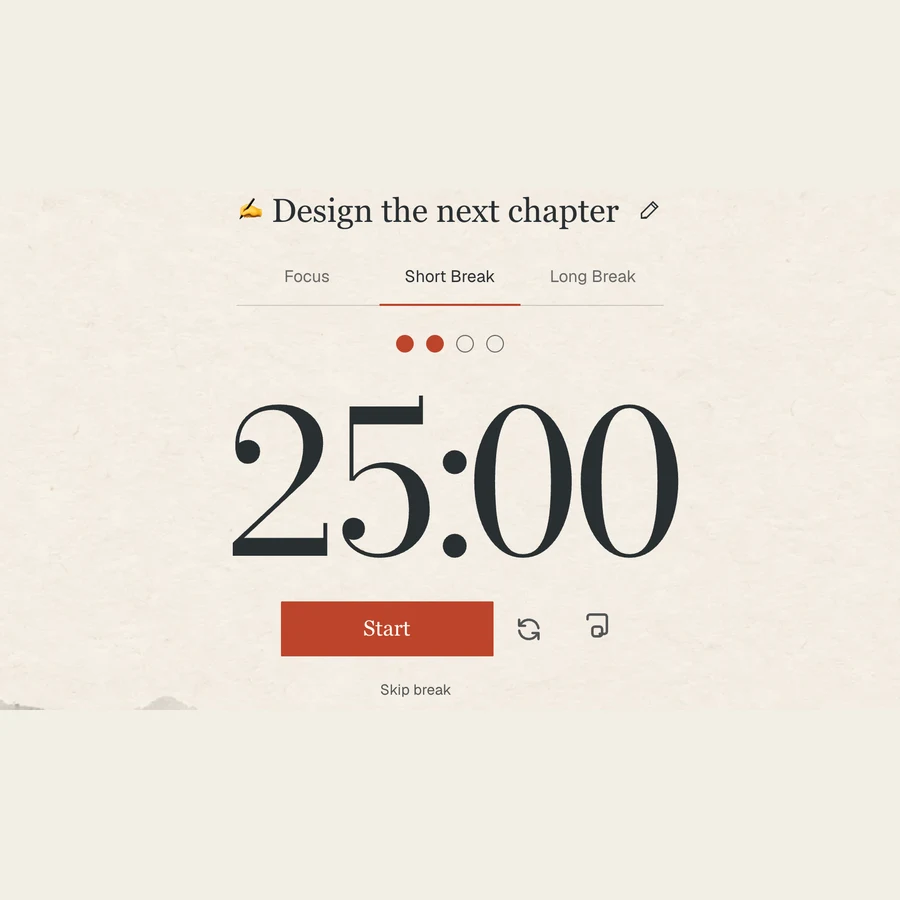
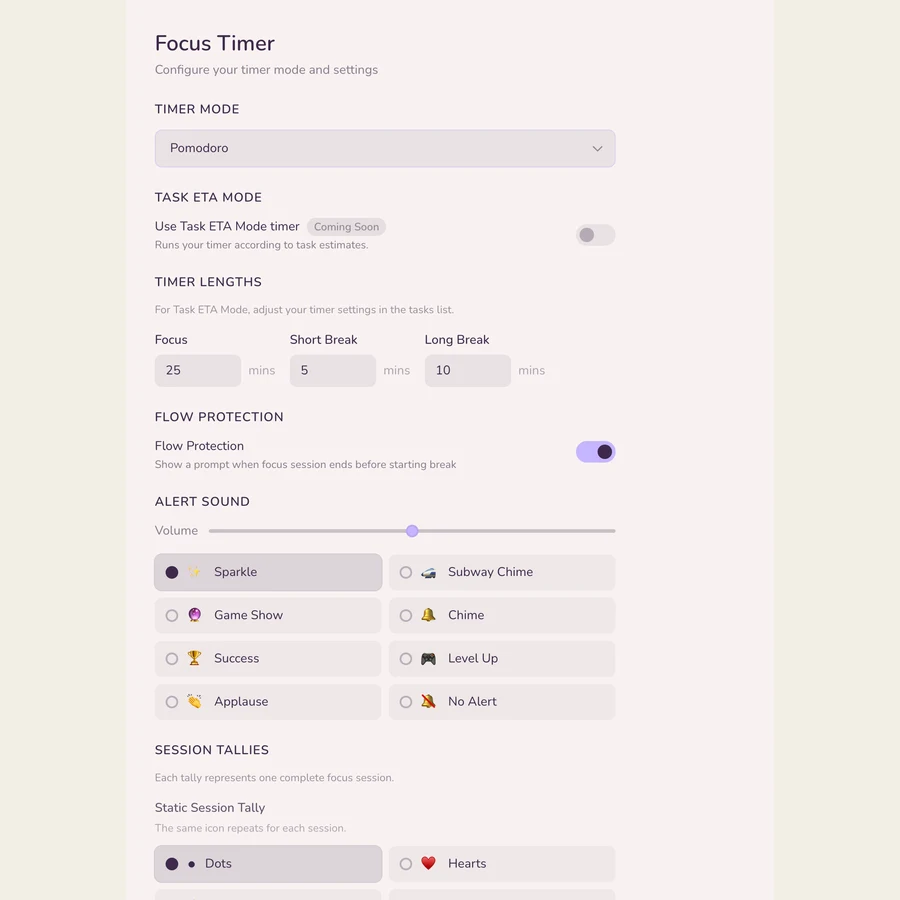
Flexible focus and break timers. Build a session around the way you work.

Beautiful spaces. Flexible timers. A calmer way to work.
Start focusing free No download needed.
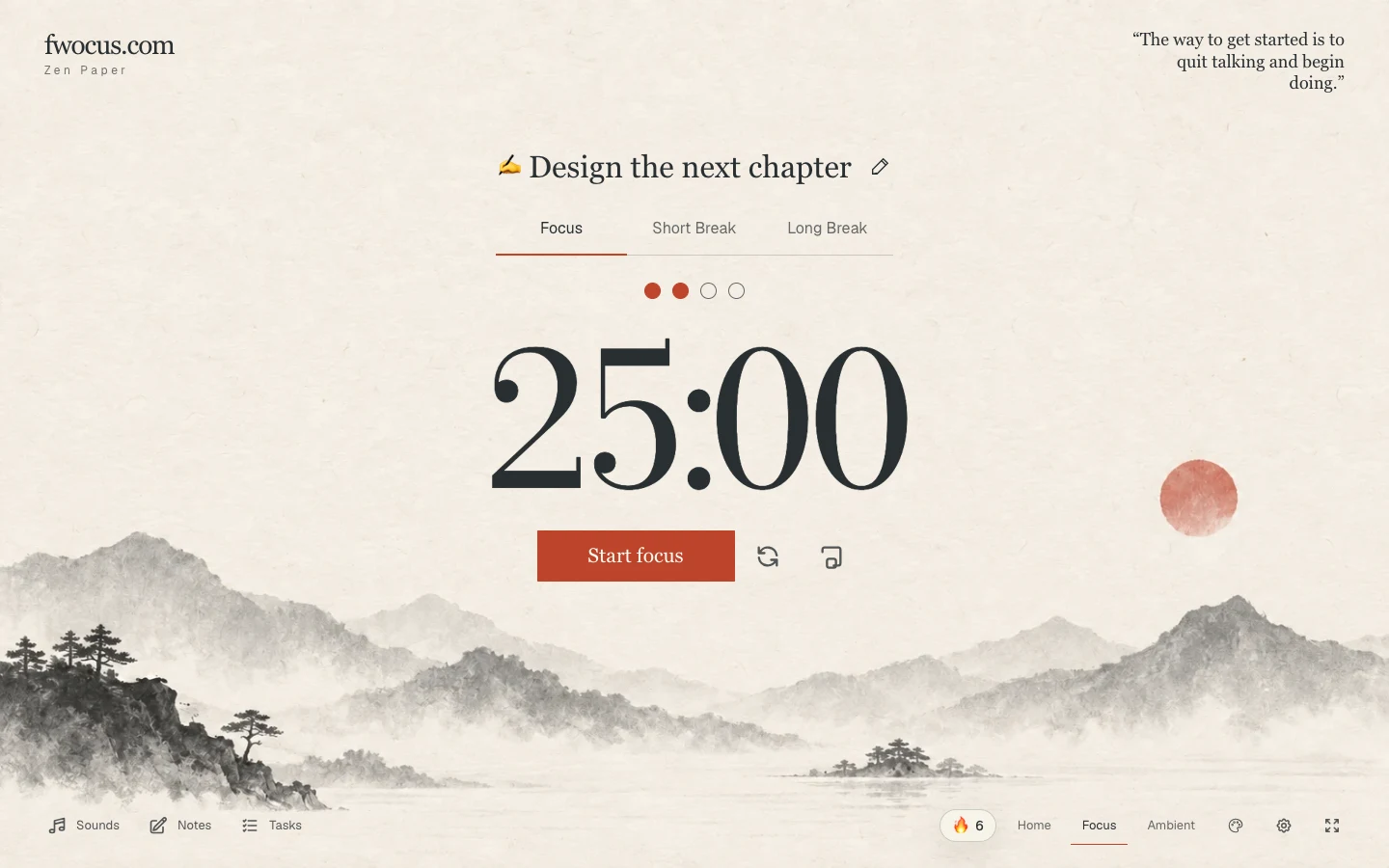
60+ backgrounds. 5 distinct themes.
More added every month.





Research on attention, restorative breaks, and time management.
Flexible timer tools: Pomodoro · 52/17 · Animedoro · Countdoro · Stopwatch
Use what works for you — these are flexible tools, not universally proven schedules.
Flexible focus and break timers. Build a session around the way you work.
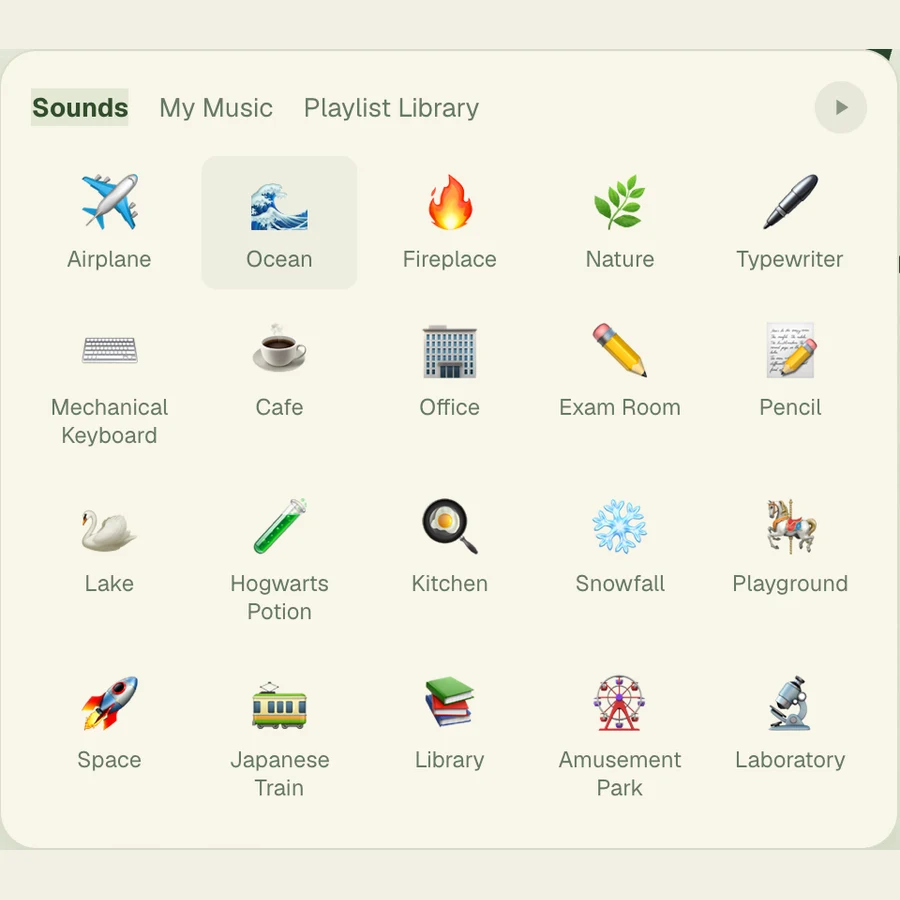
Layer ambient sounds and let the outside world grow a little quieter.
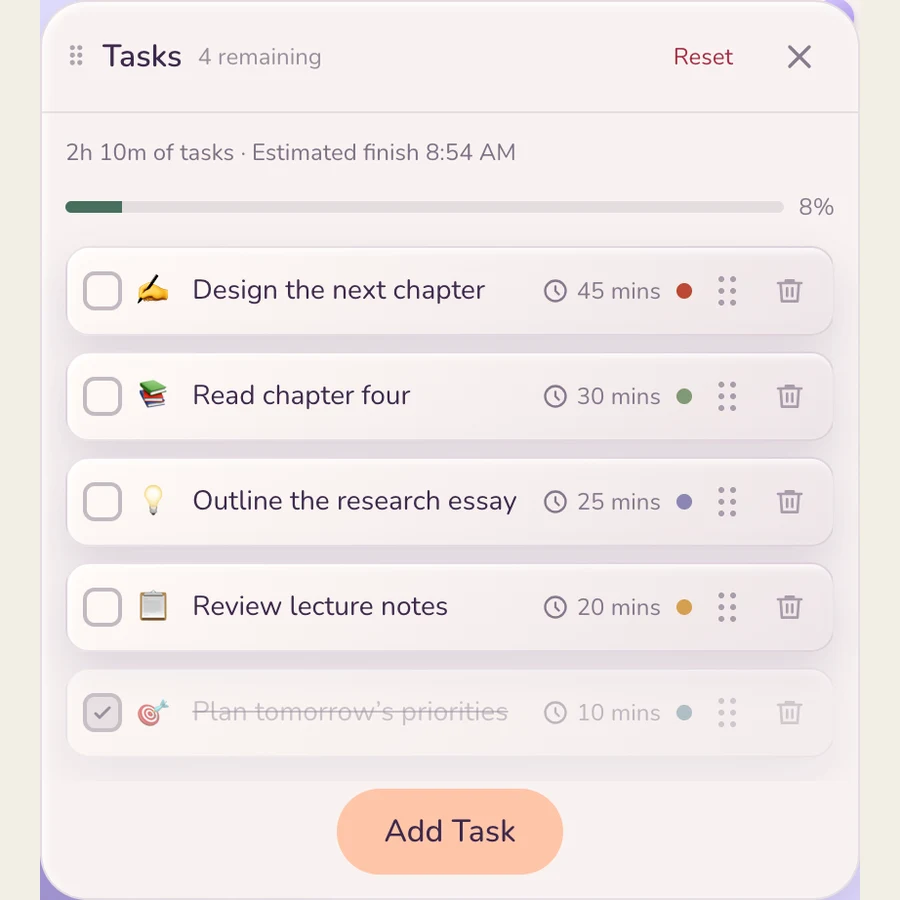
A simple task list, right beside your timer. Give your next step a place.
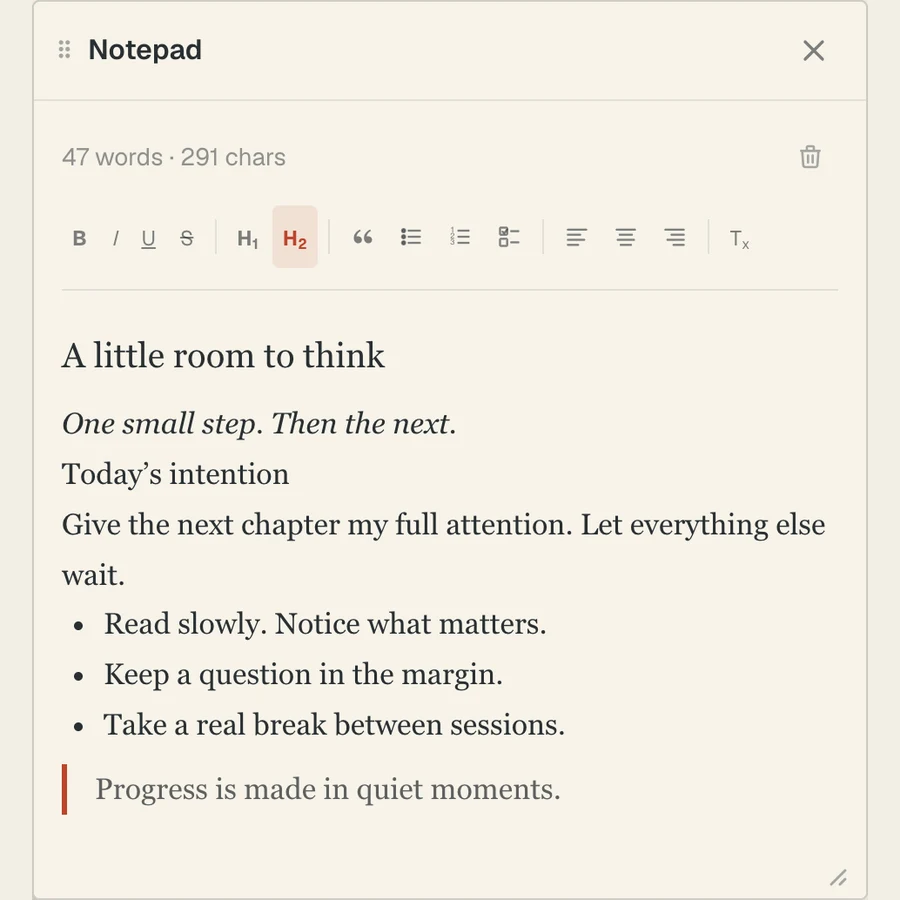
Catch the idea. Clear your head. Keep notes close without leaving your space.
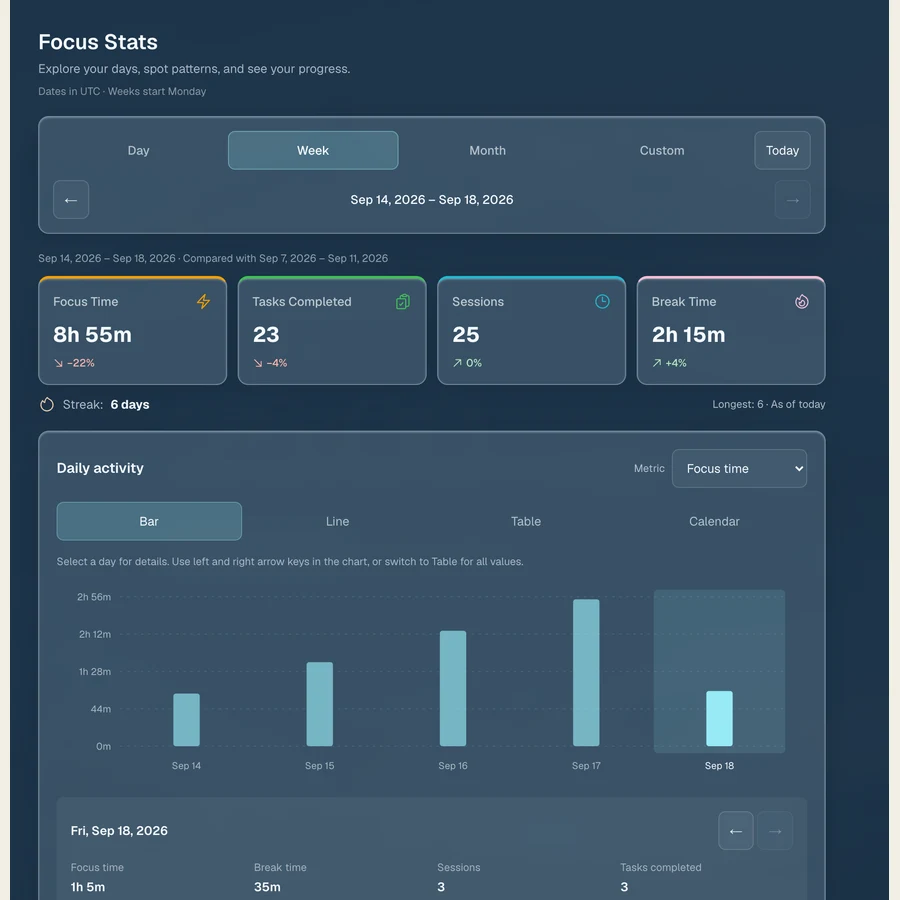
Look back at your focus sessions and notice the rhythm you’re building.
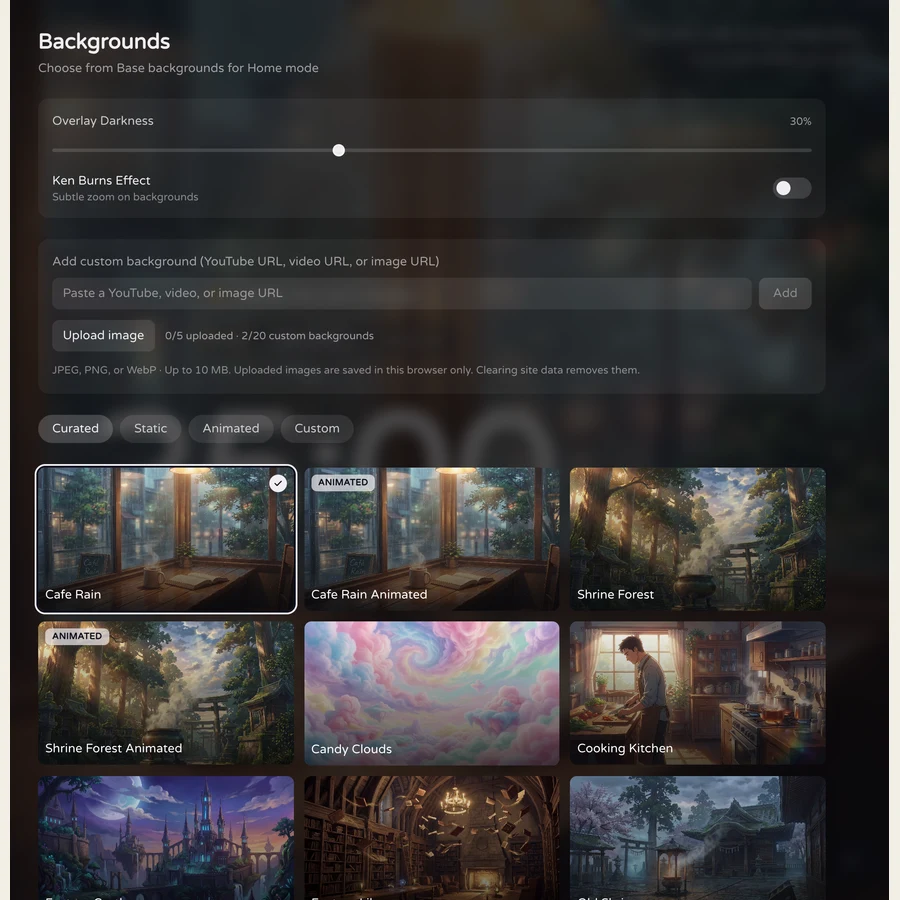
Find your setting among 60+ backgrounds, from quiet forests to distant worlds.
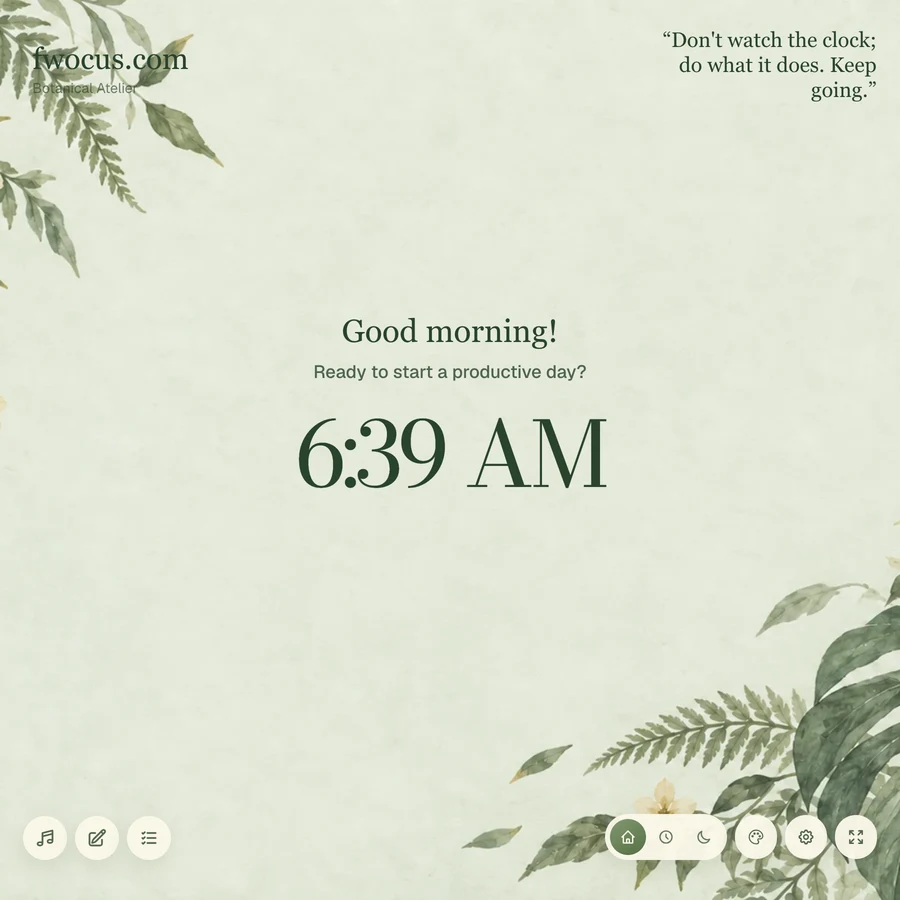
Move between Home, Focus, and Ambient. Let your space follow your day.
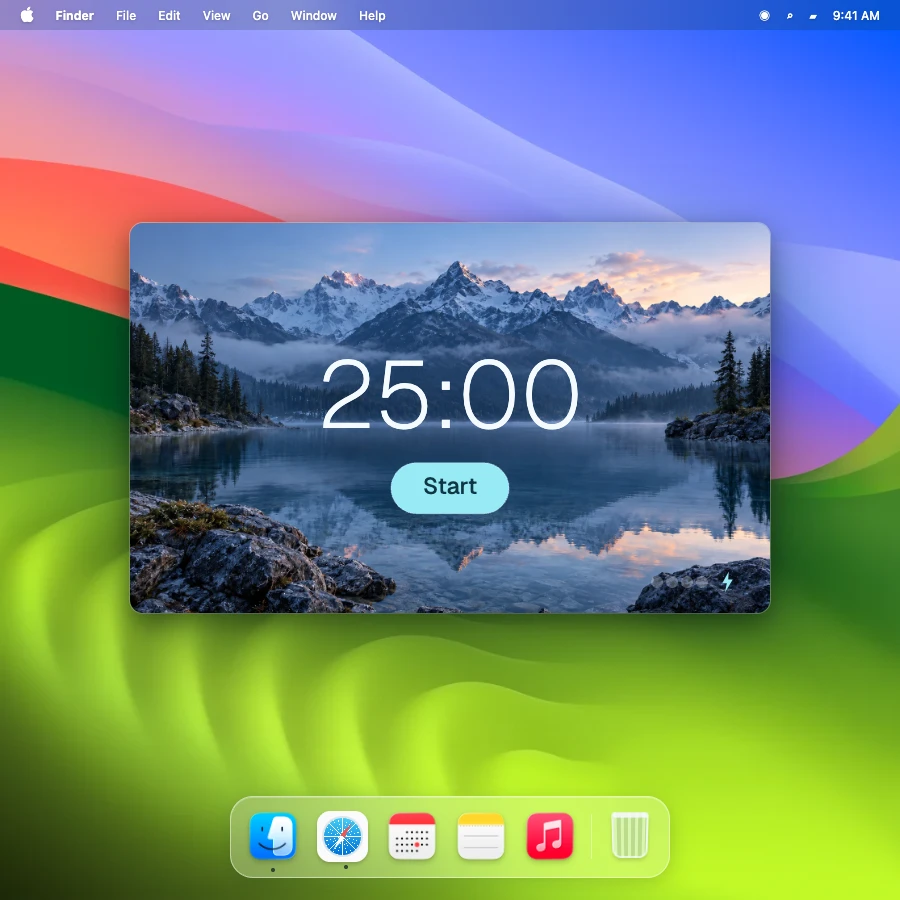
Keep your timer in a small floating window while you work in another tab.
Step away, stretch, and reset. Your next session can wait a little.
Make passing time visible with a large timer.
55 studies on timing differences in ADHDMarx et al., 2022
46.9%of sampled moments involved mind wandering.
Keep one
chosen task in view.
Give rest a place in your routine.
22 study samples on micro-breaksAlbulescu et al., 2022Research describes the problem; Fwocus provides practical tools.
You can start focusing for free in your browser. Open Fwocus, pick a space, and begin.
Start with Pomodoro if you like short, structured sessions. Try 52/17 for longer stretches, Animedoro or Countdoro for a different rhythm, or Stopwatch for open-ended focus. Choose what fits your day.
Yes. Choose from five distinct themes and more than 60 backgrounds, then mix ambient sounds and adjust their volumes to make the space your own.
Yes. Fwocus works in your mobile browser with no download needed. Some features, such as a floating picture-in-picture timer, depend on your browser and device.
No. Open Fwocus in your browser and start a session. Your timer, sounds, tasks, and notes share one workspace. Sign in to use account features such as notes and focus statistics.